
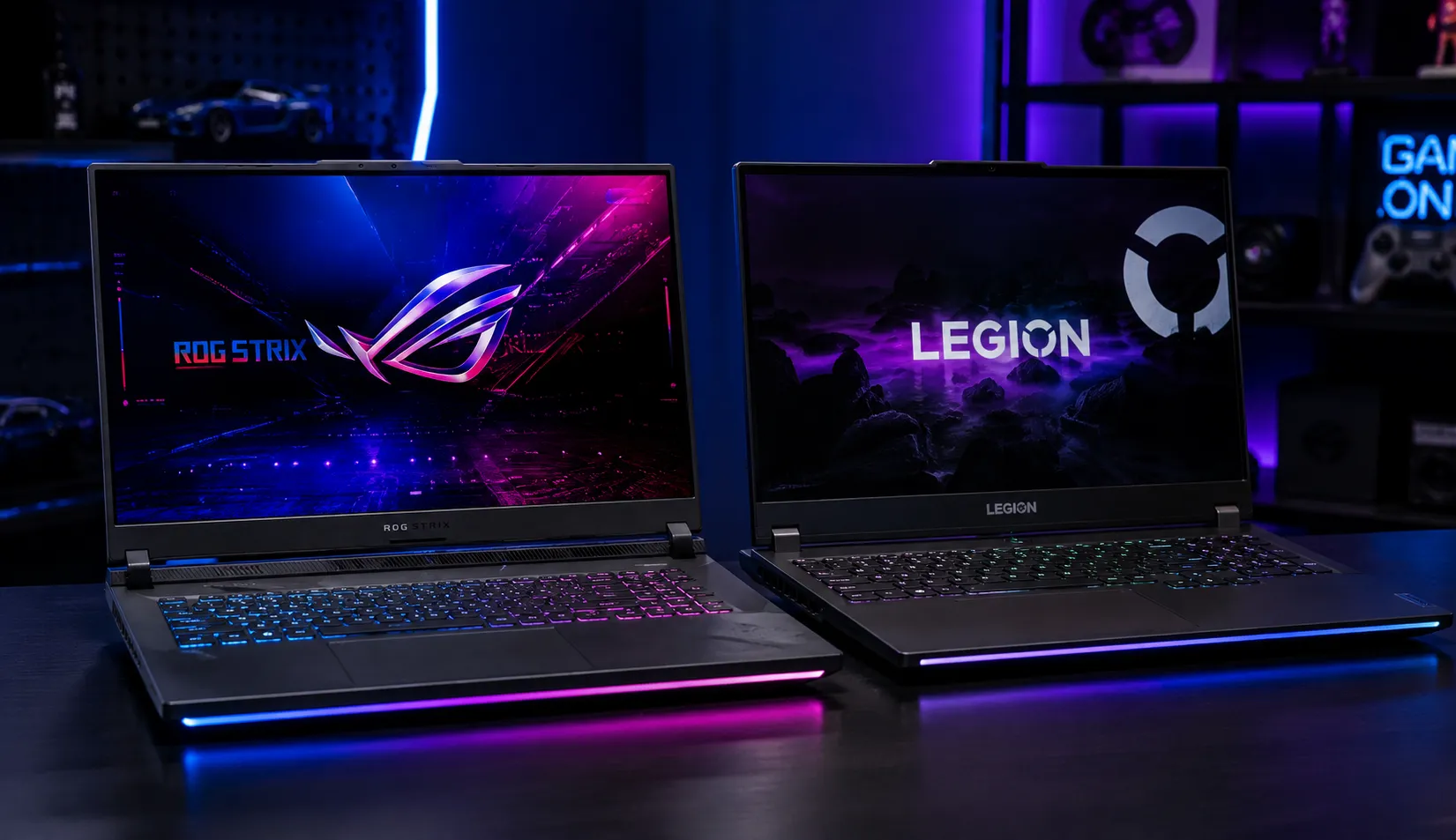
Choosing a gaming laptop usually comes down to a few finalists. ASUS or Lenovo. RTX 4060 or RTX 5060. A thin model or a thick one with better cooling. The right answer depends on knowing how to compare them properly.
This is the GeekZilla comparisons hub. It gives you a clear framework for weighing any two gaming laptops, an honest overview of the major brands and what each does best, and the specific traps that make spec sheet comparisons misleading. Use it to turn a confusing shortlist into a confident decision.
For recommendations across every budget, start with our best gaming laptops hub. This page is about how to compare so you can choose well.
Gaming Laptop Brands at a Glance
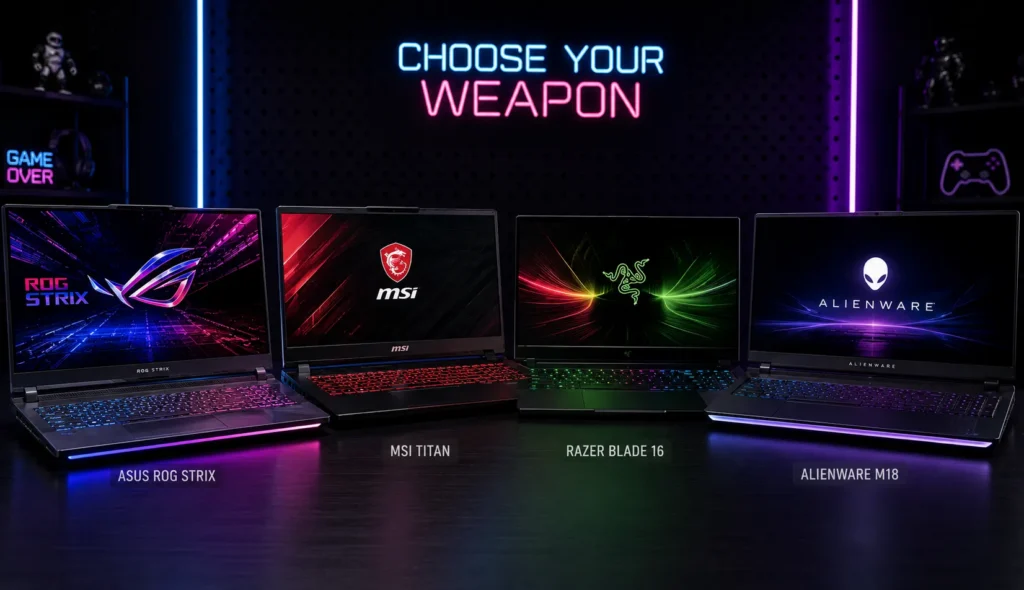
Brand reputation is a useful starting filter, even though the specific model always matters more than the badge. This table summarizes how the major 2026 gaming laptop brands are generally regarded, based on testing and large-scale user feedback.
| Brand | Key Gaming Lines | Generally Known For |
| ASUS | ROG, TUF, Zephyrus | Strong cooling, premium build, wide range |
| Lenovo | Legion, LOQ | Excellent value, build quality, displays |
| Acer | Predator, Nitro | Affordable performance, good thermals |
| MSI | Raider, Stealth, Katana | Gaming focus, full power GPUs |
| HP | Omen, Victus | Solid all-rounders, good battery in budget tier |
| Razer | Blade | Slim premium design, portability |
| Dell / Alienware | Alienware, G series | Distinct design, strong high end |
| Gigabyte | Aorus, Aero | Display quality, creator crossover |
Treat this as a guide, not a verdict. A strong model from a mid-tier brand often beats a weak model from a top-tier brand. The comparison framework below is what really decides the winner.
The Comparison Framework: What to Weigh and in What Order
When you place two gaming laptops side by side, compare them in this order. Earlier factors usually outweigh later ones for gaming.
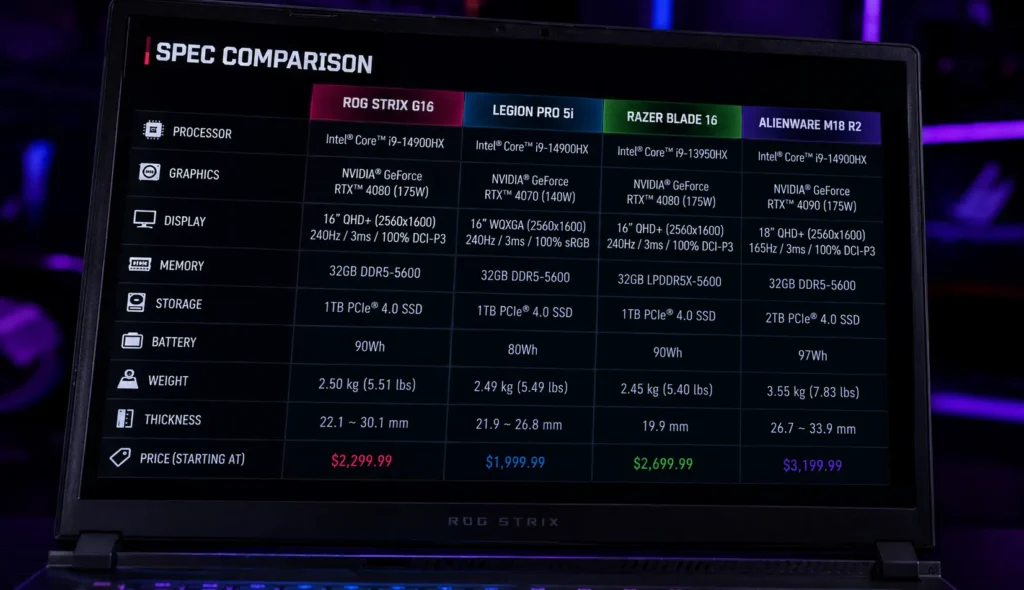
1. GPU Tier and Power Limit
The graphics card is the single biggest performance factor. Compare the GPU tier first, then the Total Graphics Power, often written as TGP. Two laptops with the same GPU can perform very differently if one runs it at a higher wattage. A full-power RTX 4060 can beat a power-limited one by a meaningful margin. Always compare the wattage, not just the model name. Our RTX gaming laptops guide breaks down every GPU tier in detail.
2. Cooling and Sustained Performance
A great GPU is wasted if the chassis cannot keep it cool. Compare cooling designs and, more importantly, how each laptop sustains performance over long sessions. This is where brand reputation has real meaning, since some lines are known for superior thermal engineering compared to others. A well-cooled mid-tier machine can outperform a poorly cooled higher-tier one.
3. Display
Compare resolution, refresh rate, panel type, and brightness. Match the screen to your use. Competitive players benefit from high-refresh 1080p or 1440p panels, while single-player and creative users gain more from an OLED or Mini-LED screen with strong color and HDR. A better display often improves the experience more than a small CPU upgrade.
4. CPU
For gaming, the processor plays a supporting role. A modern Core i5 or Ryzen 5 is enough for most titles, while a Core i7 or Ryzen 7 helps in CPU-heavy strategy and open-world games. Do not overpay for a top-tier CPU if pure gaming is your goal. Put that money toward the GPU or display instead.
5. Memory and Storage
Compare RAM and SSD capacity, and check whether each laptop allows upgrades. In 2026, with memory prices elevated, an upgradeable model that starts at 16GB and accepts more later can be the smarter buy. A free M.2 slot for extra storage is a real advantage.
6. Build, Battery, and Value
Finally, weigh chassis quality, keyboard feel, port selection, battery life, and warranty. Then judge the total against the price. The best comparison ends with value, not raw power. The winner is the laptop that delivers what you need at the lowest price.
Common Types of Gaming Laptop Comparisons
Most buying decisions fall into one of four types of comparisons. Knowing which one you are sharpens your thinking.
- Brand versus brand: For example, ASUS ROG versus Lenovo Legion. Useful early, but always narrow down to specific models before deciding.
- GPU versus GPU: For example, RTX 4060 versus RTX 5060. Focus on real benchmarks, VRAM, and price rather than the higher number alone.
- Model versus model: Two specific laptops head-to-head. This is where the full framework above applies in detail.
- Generation versus generation: For example, an RTX 40 series machine versus an RTX 50 series machine. Weigh the newer efficiency and features against the discounts available on the last generation hardware.
Each type rewards a slightly different focus, but all of them come back to performance per dollar at the configuration you can actually buy.
The Spec Sheet Traps to Avoid
Comparisons go wrong when buyers trust the spec sheet too literally. Watch for these traps.
- The same model name, different specs: Manufacturers sometimes keep a model name while quietly changing the RAM, storage, or GPU wattage. The version on sale may not match the one reviewed. Always confirm the exact configuration.
- Identical GPU names, different power: As covered above, TGP changes everything. A thin laptop may starve its GPU to manage heat.
- Higher GPU number, less VRAM: Some newer mid-tier cards ship with the same 8GB of VRAM as older ones. A bigger model number does not always mean more memory or better longevity.
- Peak benchmarks without thermals: A laptop can post great short benchmark scores and still throttle in long sessions. Compare sustained results.
- Brand loyalty over evidence: Reputation is a filter, not a decision. Let benchmarks and value settle close calls.
Avoid these, and your comparisons will reflect real performance rather than marketing.
How do we approach comparisons?
Our head-to-head comparisons apply the same framework every time, in the same order, so the results stay consistent and fair. We prioritize proven performance and value over brand reputation, and we compare machines at similar price points rather than across wildly different price ranges.
We also lean on the GeekZilla community’s long-term ownership reports, since reliability, support quality, and durability only reveal themselves over months of use. Those real-world signals often break a tie that the spec sheet leaves even.
Explore Our Comparisons and Guides
As our library grows, this hub links to every head-to-head comparison we publish, organized by brand, GPU, and price. In the meantime, these guides will sharpen any comparisons you make.
- Decode every GPU tier in our RTX gaming laptops guide.
- Shop by price with our budget gaming laptops guide.
- See tested value picks in our best gaming laptops under $1,000 roundup.
Frequently Asked Questions
Which gaming laptop brand is the best in 2026?
No single brand is best for everyone. ASUS, Lenovo, Acer, and MSI all rank well, each with strengths. ASUS is known for cooling and build, Lenovo for value and displays, Acer for affordable performance, and MSI for its gaming focus. The right brand depends on your budget and priorities, and the specific model always matters more than the badge.
How do I compare two gaming laptops with the same GPU?
When two laptops share a GPU, compare the Total Graphics Power first, since a higher wattage version performs better. Then compare cooling and sustained performance, display quality, memory, build, and price. Identical GPU names can deliver very different real-world frame rates depending on power limits and thermal design.
Is a higher GPU model number always better?
Not always. A newer mid-tier GPU can ship with the same VRAM as an older one, and a discounted previous-generation card can offer better value. Compare real benchmarks, VRAM, power limits, and price rather than assuming a bigger number means a better buy.
How important is brand when choosing a gaming laptop?
Brand is a useful starting filter for reputation in cooling, build, and support, but it should not decide the purchase. A strong model from a mid-tier brand often beats a weak model from a premium one. Let tested performance and value settle the final choice.
Should I buy an RTX 40 or RTX 50 series laptop?
It depends on the price. The RTX 40 series offers excellent value, especially on sale, while the RTX 50 series adds newer efficiency and DLSS 4 frame generation. If the price difference is small, the newer series wins on longevity. If a previous generation model is heavily discounted, it can be the smarter buy.
Final Thoughts
Comparing gaming laptops is not about chasing the biggest numbers. It is about weighing the factors that matter, in the right order, at a price that makes sense. Start with the GPU and its power limit, confirm the cooling holds up, match the display to how you play, and finish on value.
Do that, and brand debates and spec sheet noise stop being confusing. You will see clearly which laptop wins for your needs. When you are ready, put the framework to work in our best gaming laptops hub, or sharpen your shortlist with our RTX gaming laptops and budget gaming laptops guides.