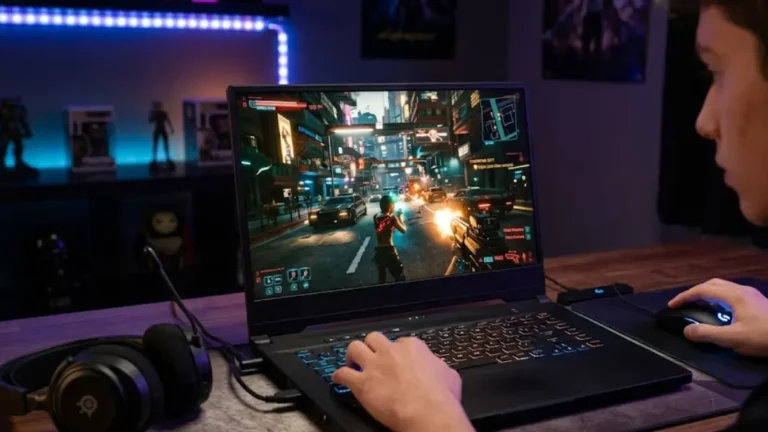
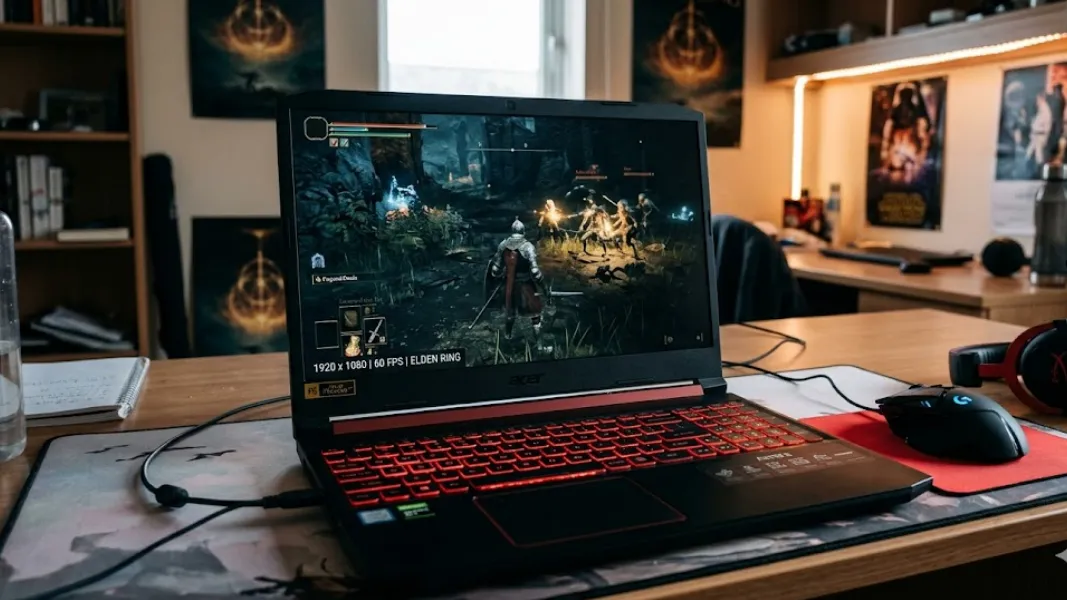
The $700 budget is where a gaming laptop stops feeling like a compromise. This is the tier where a current-generation dedicated GPU becomes the norm, not a lucky sale finds. For most first-time buyers, it is the smartest entry point into real 1080p gaming.
The wrinkle in 2026 is the memory shortage, which has nudged prices up and made smart shopping essential. But the good news outweighs it. At $700, you can buy a new laptop with an RTX 4050, or sometimes catch an RTX 4060 on sale, and play the vast majority of modern games smoothly.
This guide explains exactly what to target, the one spec that quietly decides performance at this price, which games will run well, and how to avoid the common traps. Spend wisely, and $700 buys a laptop that lasts for years.
For the complete range across budgets, see our best gaming laptops hub. This page is about maximizing a $700 budget.
What Can You Get for Under $700?
Under $700 in 2026, the realistic target is a new gaming laptop with an NVIDIA RTX 4050, paired with a modern Core i5 or Ryzen 5 processor, 16GB of DDR5 RAM, and a 1080p 144Hz display. The newer RTX 5050 is starting to appear at this price, too. During strong sales, an RTX 4060 model occasionally drops under $700, which is the best value catch in this tier.
Here is the honest breakdown of what your money buys.
| GPU at $700 | What to Expect | Notes |
| RTX 4050 (new) | Solid 1080p medium to high | The standard pick, watch the power limit |
| RTX 5050 (new) | Around 20 percent faster than RTX 4050 | Newer architecture, increasingly common |
| RTX 4060 (on sale) | 1080p high to ultra with DLSS | The best value when a deal brings it into range |
This is a real gaming machine, not an entry compromise. The key is making sure the laptop runs its GPU at full power, which brings us to the most important detail at this price.
The Spec That Decides Everything: GPU Power Limit
Here is the single most important thing to understand at $700. Two laptops with the same RTX 4050 can perform very differently because of Total Graphics Power, often written as TGP.
NVIDIA allows manufacturers to run the RTX 4050 anywhere from around 35W to 60W. At the full 60W, performance approaches a desktop RTX 3050 and feels great. At 35W, you lose roughly 20 percent of that performance. Budget laptops often ship at the lower end to manage heat and cost.
So before you buy, find the TGP figure for the exact model. A full-power RTX 4050 in a well-cooled chassis beats a power-limited one every time. This single number explains why two similar-looking laptops at the same price game so differently. Our RTX gaming laptops guide covers which models run their GPUs at full power.
What to Prioritize Under $700
With the GPU and its power limit settled, weigh the rest in order.
Cooling and Sustained Performance
At this price, cooling separates the good from the merely cheap. A well-cooled laptop delivers the same frame rate in hour three as in hour one, while a weak one sags as it heats up. Look for dual fan designs with multiple heat pipes, and check independent reviews for sustained load behavior. Stable thermals are what let a full-power RTX 4050 shine.
A Modern Processor
Aim for an Intel Core i5 from the 13th or 14th generation, or an AMD Ryzen 5 from the 7000 or 8000 series. These keep the GPU fed without bottlenecking. A previous-generation CPU has minimal impact on frame rates, often just a few FPS, so do not overpay for the newest chip. Spend the savings on the GPU and cooling instead.
16GB of DDR5 RAM
Sixteen gigabytes of DDR5 is the sweet spot for gaming in 2026. Because of the memory shortage, confirm the listing actually includes 16GB, and favor a model with an accessible slot so you can add more later. DDR5 is meaningfully faster than older DDR4, which helps loading times and frame pacing.
Storage and Display
A 512GB NVMe SSD is the standard at this price, with a second M.2 slot a welcome bonus for future expansion. For the screen, a 1080p 144Hz IPS panel is the minimum you should accept. The high refresh rate earns its keep in competitive shooters, where showing every frame the GPU produces improves responsiveness.
What Games Can You Play?
A $700 laptop with a full-power RTX 4050 plays the vast majority of games well at 1080p. Competitive esports titles run at high frame rates, ideal for games like CS2 and Valorant, where frame rate matters more than resolution. Modern AAA games run smoothly at medium to high settings, and DLSS adds extra frames in supported titles.
The most demanding new releases may need tuned settings, but they remain very playable. If you catch an RTX 4060 in budget, you gain headroom to push settings higher. This is the tier where you can confidently enjoy almost any game, just not always maxed out.
Recommended Models to Look For
Configurations and prices shift constantly, especially during the 2026 shortage, so treat these as a shopping framework and verify the exact specs and current price before buying.
- MSI Thin 15 and Cyborg 15: Common RTX 4050 options, with the lighter Thin a more portable choice. RTX 4060 versions sometimes dip under $700 on sale.
- HP Victus 15: Often runs the RTX 4050 at a full 60W with stable cooling, a strong performer at this price.
- Acer Nitro V 15 and 16: Frequently strong value, with newer models offering RTX 5050 options.
- Lenovo LOQ 15: Dependable cooling and a 144Hz display, occasionally within reach near the top of this budget.
- ASUS TUF Gaming A15 and F15: The durability pick, MIL-STD rated for daily travel.
Always confirm the GPU power limit, RAM, storage, and display before purchase, since budget listings sometimes vary in configurations under the same model name.
How Long Will It Last?
A $700 gaming laptop should serve as a primary gaming machine for three to four years. An RTX 4050 will handle most games at medium settings through the next couple of years, and an RTX 5050 extends that slightly. You can stretch its life further with simple maintenance. Keeping the vents clean and reapplying the CPU and GPU after a few years can recover several degrees of thermal headroom and prevent throttling as the laptop ages.
When to Stretch Your Budget?
If you can push a little higher, the payoff is real. Around $800, the RTX 4060 becomes genuinely attainable, unlocking 1080p high to ultra-settings with more headroom. See our best gaming laptop under $800 guide for that step up. For the broader category, our budget gaming laptops guide and our best gaming laptops under $1,000 roundup cover the value sweet spot. On a tighter budget, our best gaming laptop under $600 guide shows the tier below.
Common Mistakes in This Budget
- Ignoring the GPU power limit. A 35W RTX 4050 underperforms a 60W one badly. Always check the TGP.
- Overlooking cooling. A throttling laptop wastes its own hardware.
- Overpaying for the newest CPU. A previous generation Core i5 or Ryzen 5 games nearly identically.
- Accepting less than 16GB of RAM. Hold out for 16GB or an upgrade path.
- Settling for a 60Hz screen. A 144Hz panel is the standard at this price.
How We Approach Budget Picks?
Our recommendations come from testing, benchmark analysis, and community feedback, always measured against value. At $700, we weigh GPU power limit, sustained thermal performance, and display quality heavily, since these decide the real experience more than the headline spec. The aim is to point you toward the laptop that wastes the fewest dollars while gaming beautifully.
Frequently Asked Questions
What is the best gaming laptop under $700 in 2026?
The best gaming laptop under $700 is one with a full power RTX 4050, or an RTX 4060 caught on sale, paired with a modern Core i5 or Ryzen 5, 16GB of DDR5 RAM, and a 1080p 144Hz display. The newer RTX 5050 is also a strong option. Prioritize a model that runs its GPU at full Total Graphics Power for the best performance.
Is an RTX 4050 good enough for gaming in 2026?
Yes, a full-power RTX 4050 is good for 1080p gaming in 2026. It runs esports titles at high frame rates and modern AAA games at medium to high settings, with DLSS adding extra frames. The key is the power limit, since a 60W RTX 4050 performs noticeably better than a 35W version. Check the TGP before buying.
Why do two laptops with the same GPU perform differently?
The difference is usually Total Graphics Power, or TGP. The RTX 4050 can run from around 35W to 60W, depending on the laptop. A full 60W version delivers roughly 20 percent more performance than a 35W one. Cooling also matters, since a well-cooled laptop sustains its frame rates while a weak one throttles. Always check both.
Can a $700 gaming laptop run modern AAA games?
Yes, a $700 laptop with a full-power RTX 4050 runs most modern AAA games at 1080p on medium to high settings, with DLSS support on RTX cards adding frames. The newest, most demanding titles may need tuned settings but remain playable. Esports games run at high frame rates for smooth competitive play.
How long will a $700 gaming laptop last?
A $700 gaming laptop should last three to four years as a primary gaming machine. An RTX 4050 handles most games at medium settings for the next couple of years, and regular maintenance like cleaning the vents and repasting after a few years can extend its useful life by preventing thermal throttling.
Conclusion
A gaming laptop under $700 in 2026 delivers genuine 1080p gaming, not compromise. Target a full-power RTX 4050, or grab an RTX 4060 if a sale allows, and pair it with strong cooling, a modern Core i5 or Ryzen 5, 16GB of DDR5, and a 144Hz screen. Above all, check the GPU power limit, since it quietly decides how well the laptop actually performs.
Get that right, and $700 buys a machine that handles almost any game for years. And if you can stretch toward $800, the RTX 4060 makes the leap worthwhile. Ready to compare? Step up with our best gaming laptop under $800 guide, or see tested value picks in our best gaming laptops under $1,000 roundup.